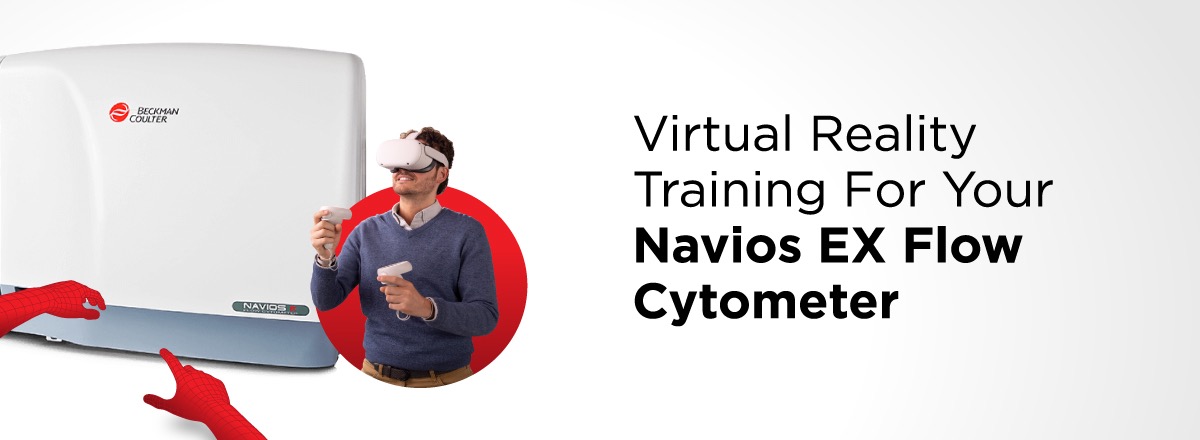
Virtual Reality Training for Your Navios EX Flow Cytometer

Whether you're new to the lab or an experienced researcher looking for a refresher, comprehensive training by expert instructors can help you discover and understand the true potential of your instruments.

However, we realize that the need to travel can sometimes be a roadblock in getting the training you want. By harnessing the power of virtual reality (VR), we’ve removed that roadblock.

Thanks to VR, we can now provide immersive, instructor-led training for your Navios EX flow cytometer without you even having to leave your lab.


How to Enroll

VR training, in addition to all of our other training offerings, is accessible through MyBeckman Learning (our training platform).

VR training sessions are offered several times throughout the year. Join us for our next course for the Navios EX flow cytometer: December 18-22, 2023

Sign Up on MyBeckman Learning

  1. If you’re a new learner, create a MyBeckman Learning account. If you already have an account, enter your username and password.
  2. Once you’re logged in to MyBeckman Learning, in the search bar enter: Navios and Navios EX Virtual Reality Training.
  3. A list of available courses will appear. The training should appear on the top of the list.
  4. Select the price next to the course to open the course. Select the price again to add it to the shopping cart.
  5. Select the shopping cart icon on the top of right hand corner of the screen and select view shopping cart.
  6. Select proceed to checkout and complete the steps to finish your purchase.


What to Expect

During this virtual 4.5-day training session—which you can take almost anywhere with internet access—we’ll cover material using a mix of presentation and workbook exercises, and you’ll be able to interact with the instrument and your instructor as if they were right in front of you.

Key areas of focus include:

  • Using the Navios EX application software
  • How to run samples and report results
  • Basic instrument maintenance procedures
  • How to perform instrument quality control
  • Cyber security

We’ll take care of the logistical details once your registration is confirmed. It’s all simple and straightforward though—we’ll ship you the VR hardware (i.e., goggles) and standard access to a computer or mobile device is all you’ll need to participate in other aspects of the training, such as discussions and quizzes.


Knowledge Awaits

We’re here to answer any additonal questions you might have about
MyBeckman Learning and Navios EX VR training—reach out anytime.

Click the HTML icon in the toolbar above to edit spacer height.
TO EDIT: Change the class="spacer-3" to any number between 0 (none) and 5 (most) to resize a spacer. Ex. class="spacer-5"
Vertical spacers are responsive and 50% smaller on mobile than on tablet+.
Block 1
editable text
Block 2
editable text
grows to fill column
Block 3
editable text
grows to fill column
Block 4
editable text
Block 1
editable text
Block 2
editable text
grows to fill column
Block 3
editable text
grows to fill column
Block 4
editable text
Block 1
editable text
Block 2 Top
editable text
Block 2 Bottom
editable text
grows to fill column
Block 3 Top
editable text
Block 3 Bottom
editable text
grows to fill column
Block 4
editable text